Know what changed.
Investigate why.
Act with confidence.
Composed AI transforms your business knowledge, customer conversations and operational data into evidence-backed intelligence.
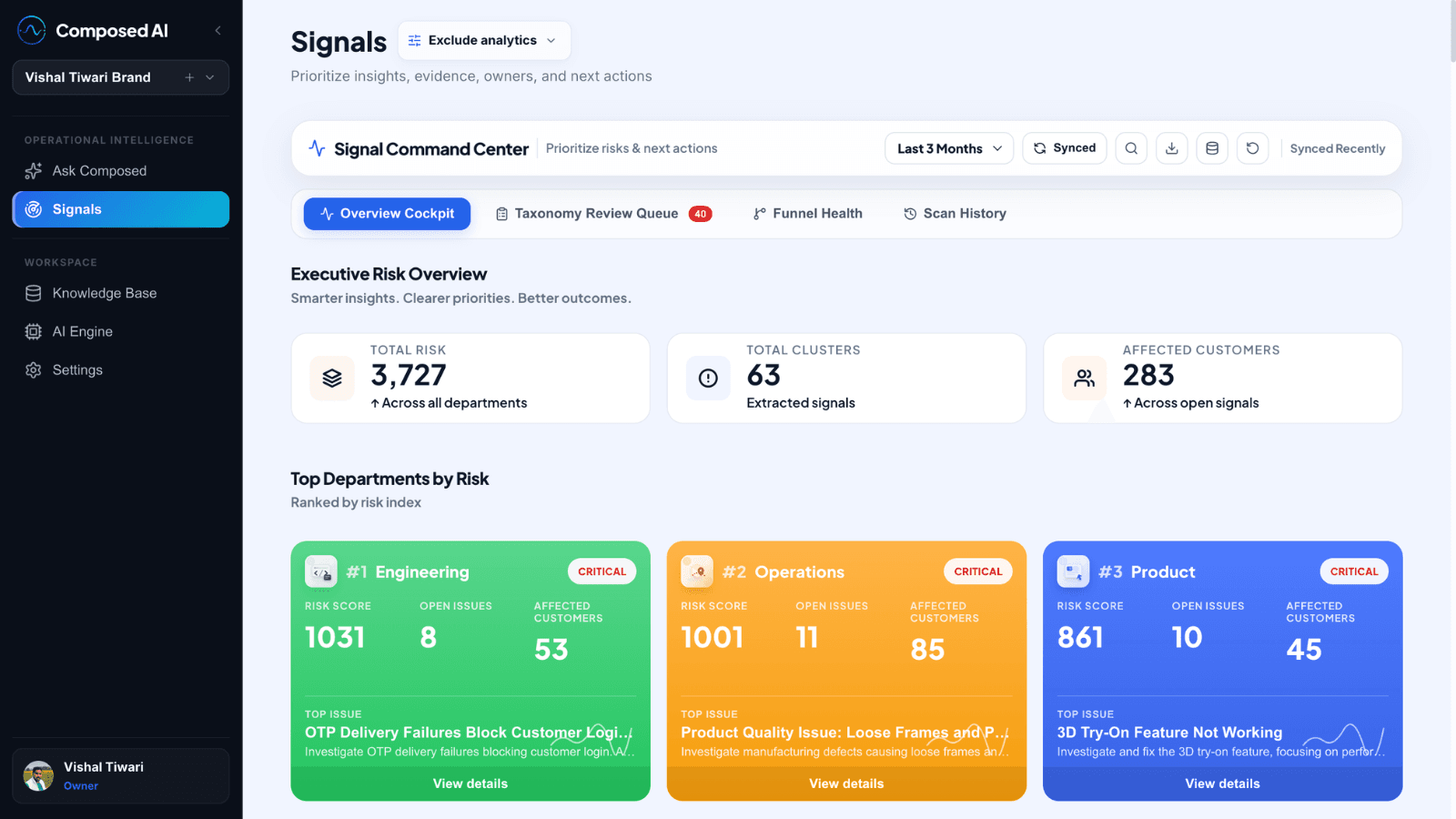
One platform. Three ways to work with your data.
Discovery Layer
AI continuously detects important business changes from your connected data sources, ranks them by impact, and routes them to the right owner.
Investigation Layer
Ask questions across all your connected data in plain language. Investigate evidence. Build persistent investigation threads that your team can revisit.
Customer AI
Deploy grounded AI assistants powered by your business knowledge. Every answer is cited and traceable. Unanswered questions become signals.
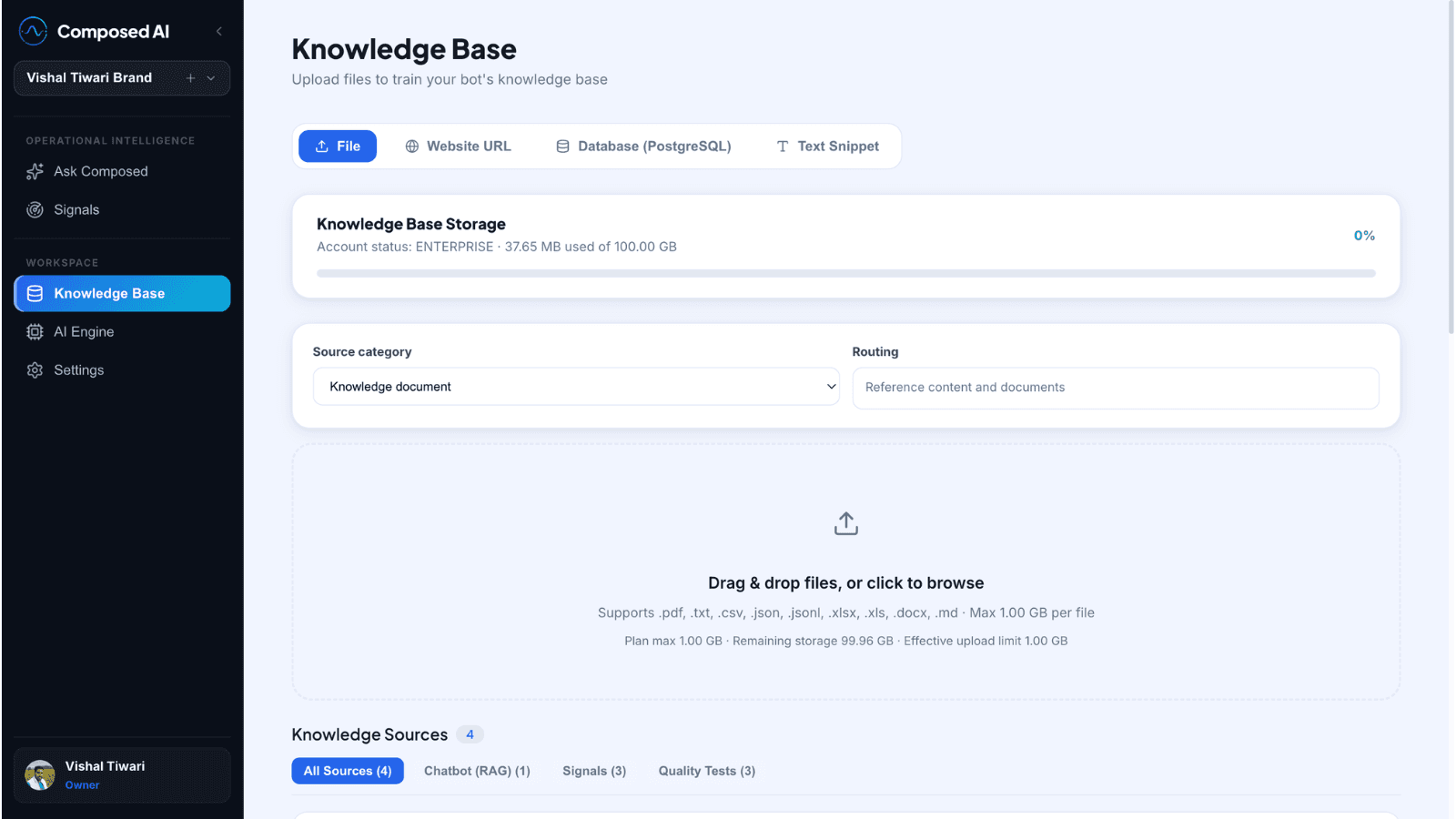
Knowledge Base
Every experience in Composed AI is grounded in a single Knowledge Base your team builds and controls. It is not a chatbot feature — it is the foundation the entire platform runs on.
Your documents, help content, data, and policies — structured, versioned, and approved by your team.
From raw data to a clear decision.
Composed AI takes your existing business data through a structured pipeline — turning noise into actionable intelligence without requiring a data team.
Connect the data you already have.
Composed AI connects to your existing databases, support tools, CRMs, and document systems. No data migration required.
Built for teams managing real business data.
Growing Teams
Connect your support tickets, product events, and customer conversations. See what is actually happening without building a data pipeline.
Agencies
Run one workspace for multiple clients. Separate data, separate signals, separate reports — with role-based access for your team and theirs.
Enterprise
Custom data connectors, single-tenant deployment, security reviews, and dedicated support for teams with complex data environments.
Your data stays yours.
Composed AI is designed for teams working with sensitive business data. Security is not an add-on.
Client-level data isolation
Each workspace operates in complete isolation. No data from one account ever touches another.
Role-based access controls
Owners, admins, analysts, and viewers each get exactly the access your admin configures — nothing more.
Your data is not used for training
Composed AI does not use your connected data or conversations to train any AI model.
Source traceability
Every signal, answer, and chatbot response points back to the exact record or document it came from.
Start free. Scale when you need to.
No seat-based pricing complexity. Plans are based on data volume and workspace needs.
One workspace. Connect up to 3 sources. Full access to Discovery, Investigation, and Customer AI.
Start FreeMultiple workspaces. Higher data volume. Priority signal processing and role-based access controls.
See Growth planCustom data limits, dedicated support, security reviews, and single-tenant deployment options.
Contact usFrequently Asked Questions
Answers to common questions about setting up Composed AI and scaling your team’s operating intelligence.
Does Composed AI require a developer to install?
No. You can connect standard knowledge sources (Zendesk, Shopify, Notion, Google Drive) using our secure auth connectors in a few clicks. Deploys do not require writing code.
How long does onboarding take?
Within 30 to 60 minutes of connecting your first data source, the Discovery Layer will surface the first set of operational signals and patterns.
Is there a free trial?
Yes. We offer a 7-day free trial across all plans to test signals, run investigations, and sand-box your Customer AI assistant before going live.
How does workspace isolation work?
Each account or client functions in a cryptographically isolated database space. Your data is never combined, mixed, or exposed across workspaces.
Does Composed AI support multiple languages?
Yes. Composed AI is natively multilingual. We support all 40+ global and regional languages supported by Gemini models on Vertex AI (including Spanish, French, German, Japanese, and Indian regional languages like Hindi, Tamil, and Bengali). The Customer AI chatbot widget responds in the user’s preferred language, and the Discovery Layer detects signals across any document language, standardizing the final alerts in English.